Introducing TFF Filler
Using Claude Code to Solve the Repetitive Permit Problem

This is my first post on Substack! I’m starting this series to document my journey with AI as I go. My goal is to keep a record of everything I build and learn. I’m sharing this here to connect with all of you and hopefully pick up some new ideas or tips on how to improve my process along the way.
The Motivation
I balance two professional roles: I am a product designer, and I also run a side business. Our mission with this venture is to bring premium tea into our customers’ daily lives.
When we participate in indoor events, we are required to submit a Temporary Food Facility (TFF) permit. Depending on the county’s regulations, these applications are mandatory. The challenge is that every venue uses a different PDF, yet I must provide the exact same business information every time. This usually involves repetitive typing, printing, and physical signing. I decided to use Claude Code to see if I could automate this workflow. The result is a tool I call TFF Filler.


Attempt 1: The “Everything” App (Failed)
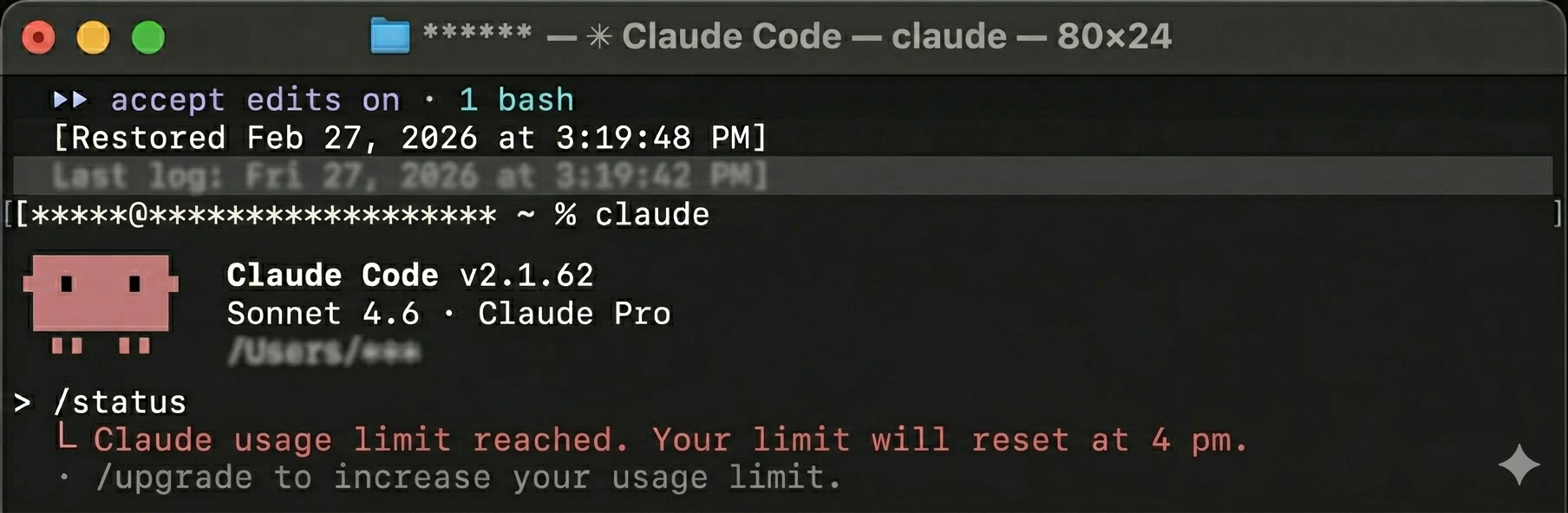
My first attempt didn’t go as planned. I started by discussing a detailed Product Requirements Document (PRD) with Claude Code, which helped me visualize the entire workflow. I ended up aiming for a very complex web app—one where users could log in, manage business profiles, and use AI vision to automatically fill out various templates. Unfortunately, the project became too huge, and I ran out of tokens before I even had a working preview to show for it.
Attempt 2: Strategic Simplification (Success)
The next day, I narrowed the scope. I focused on the two forms I use most: the National Park Service (NPS) and Santa Clara County (SCC) templates.
Claude Code initially suggested a “form selection” screen, but that didn’t make sense for my workflow. Event hosts often provide digitized forms with their own information already pre-filled. I corrected the AI and defined a more logical workflow:
Upload the specific form provided by the event host.
Detect which template it’s using and extract existing values from fields.
Fill in the remaining information based on my saved settings.
The Hard Parts: OCR and Signature
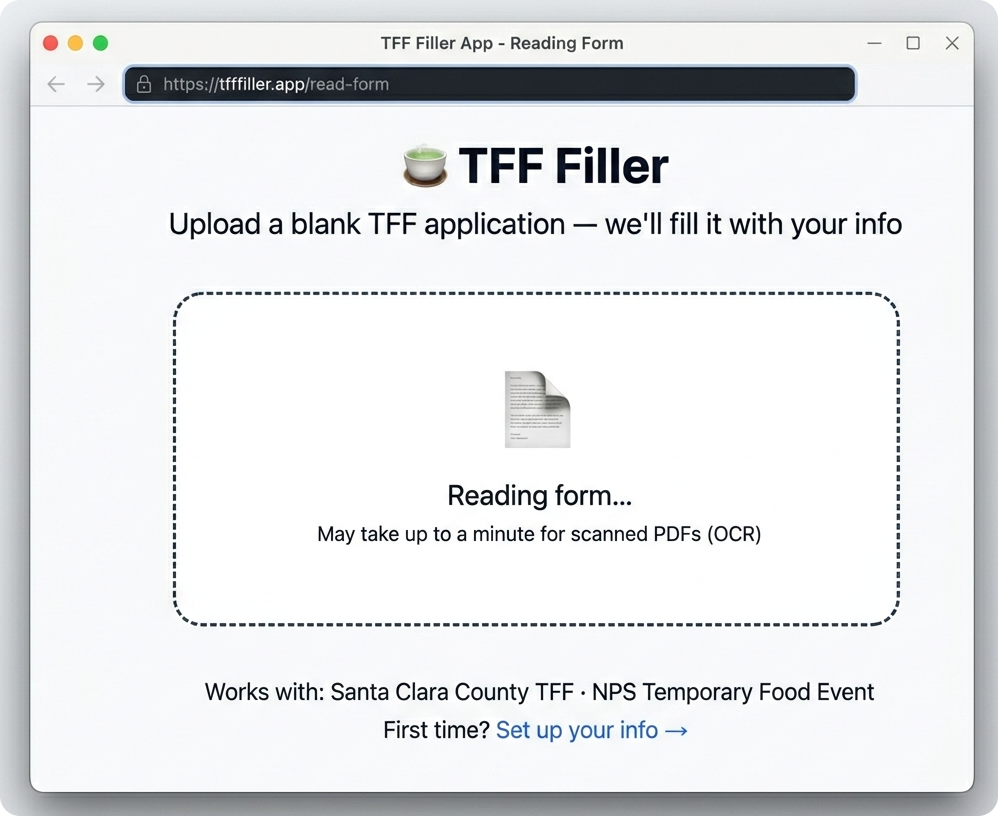
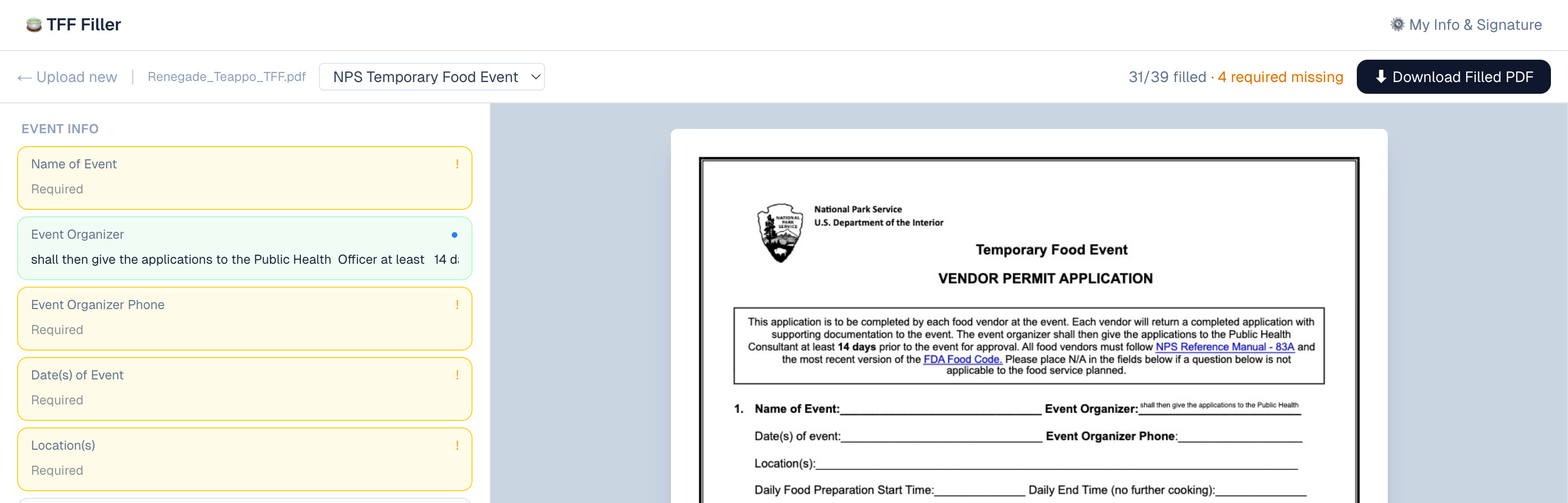
The most difficult part wasn’t the initial coding—it was the bug fixing. Since some forms are scanned PDFs, I needed OCR (Optical Character Recognition). I encountered many issues where data wasn’t extracted correctly, but I discovered two effective strategies:
Self-Testing: Based on Claude Code guidelines, I stopped just telling the AI “it’s wrong.” Instead, I prompted Claude Code to run its own tests to verify the fix. This QA process made the results much more predictable.
Specific Targeting: I began calling out specific field names and explaining exactly what needed to be extracted.
However, this ad-hoc fixing was expensive and caused me to run out of tokens multiple times.
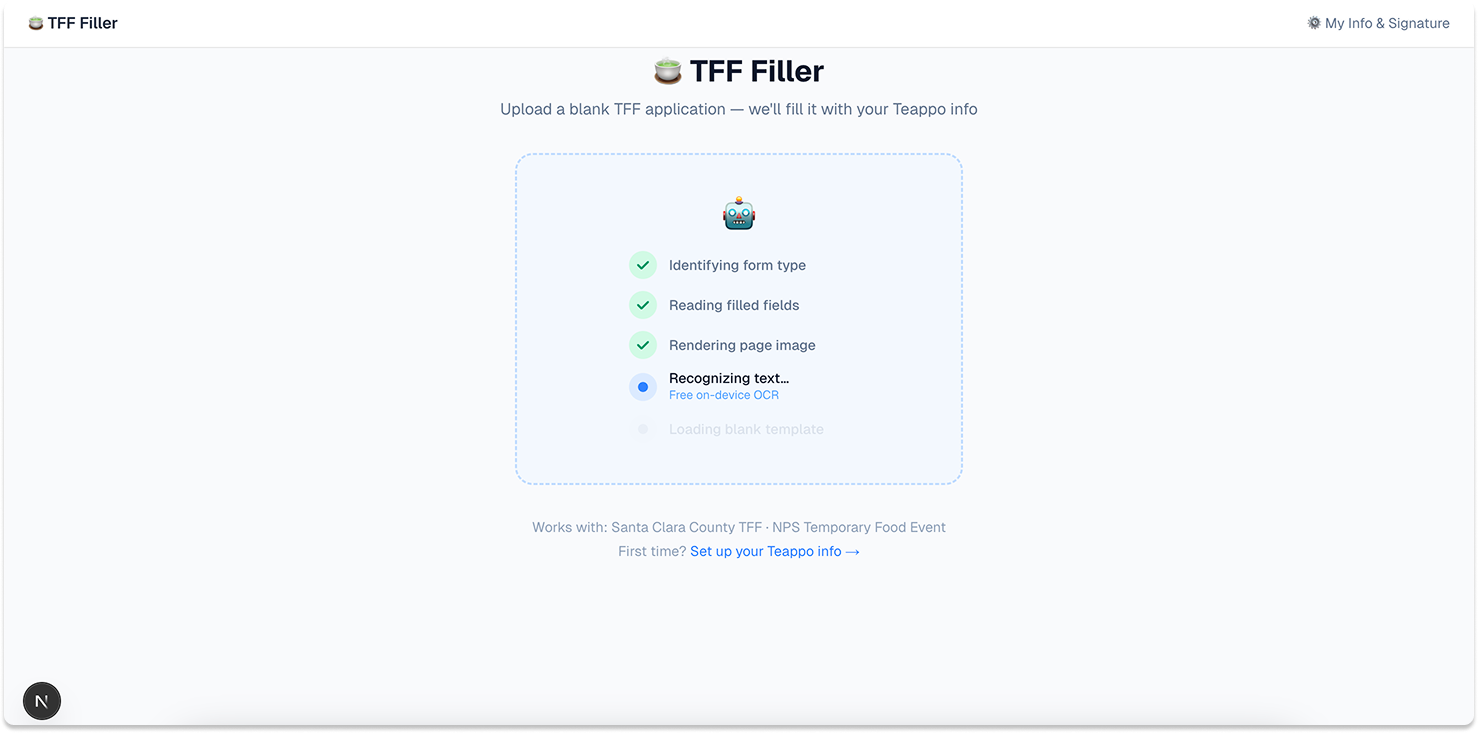
Additionally, when Claude suggested a better scanning technique, it resulted in a longer “thinking” time. To manage this, I added a progress status to improve the user experience.
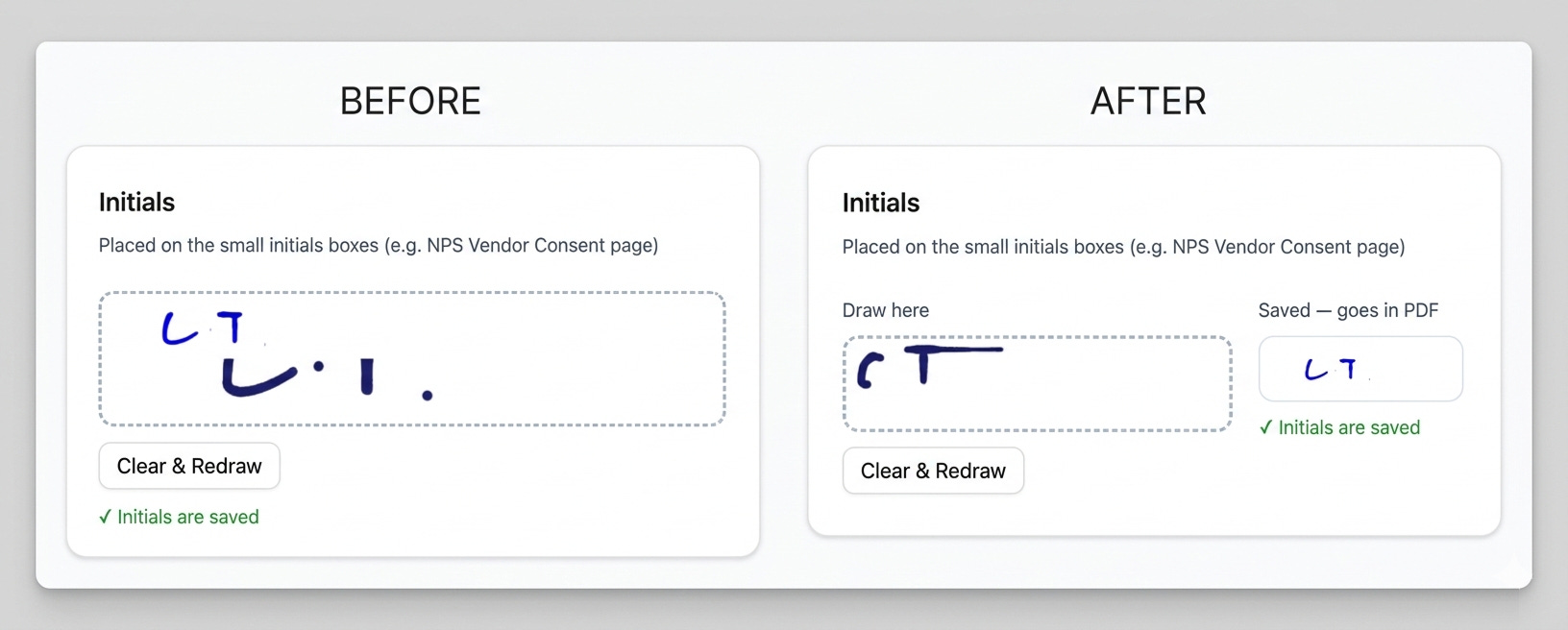
Getting the digital “ink” signature to look right was another challenge. I wanted it to look hand-written, so I added a preview feature, adjusted the canvas size to feel like a professional editing tool, and modified the line width until it looked natural.
It’s Done
Finally, after several tweaks, the tool is ready for use. While it is currently tailored to my specific business and requires extra debugging to move between the NPS and SCC templates, the outcome is great. I can now easily generate a final PDF and send it to event hosts instantly.
What I Learned
Building with AI is different from traditional software development. AI is incredibly fast at building, but it cannot always tell you if you are building the “right” thing. A recent episode of Lenny’s Podcast titled “Why most AI products fail” really resonated with me. From a user perspective, AI output can be unpredictable.
Scope matters: My first attempt failed because I asked for too much at once.
Architecture is key: This project relies on structured data. In the future, I will start by building the data schema first. Letting the AI map information to a defined “master” schema is much more scalable than just asking for a “simple outcome.”
Feasibility: As a designer, I realize I need to spend more time on the engineering logic and pre-research before building. This ensures that what I design is actually feasible to build correctly.
Next Steps
TFF Filler is already saving me time. I plan to redo this project in the future with an “architecture-first” mindset to see how it changes the results. My goal for the next journey is to be even more efficient with my token usage.